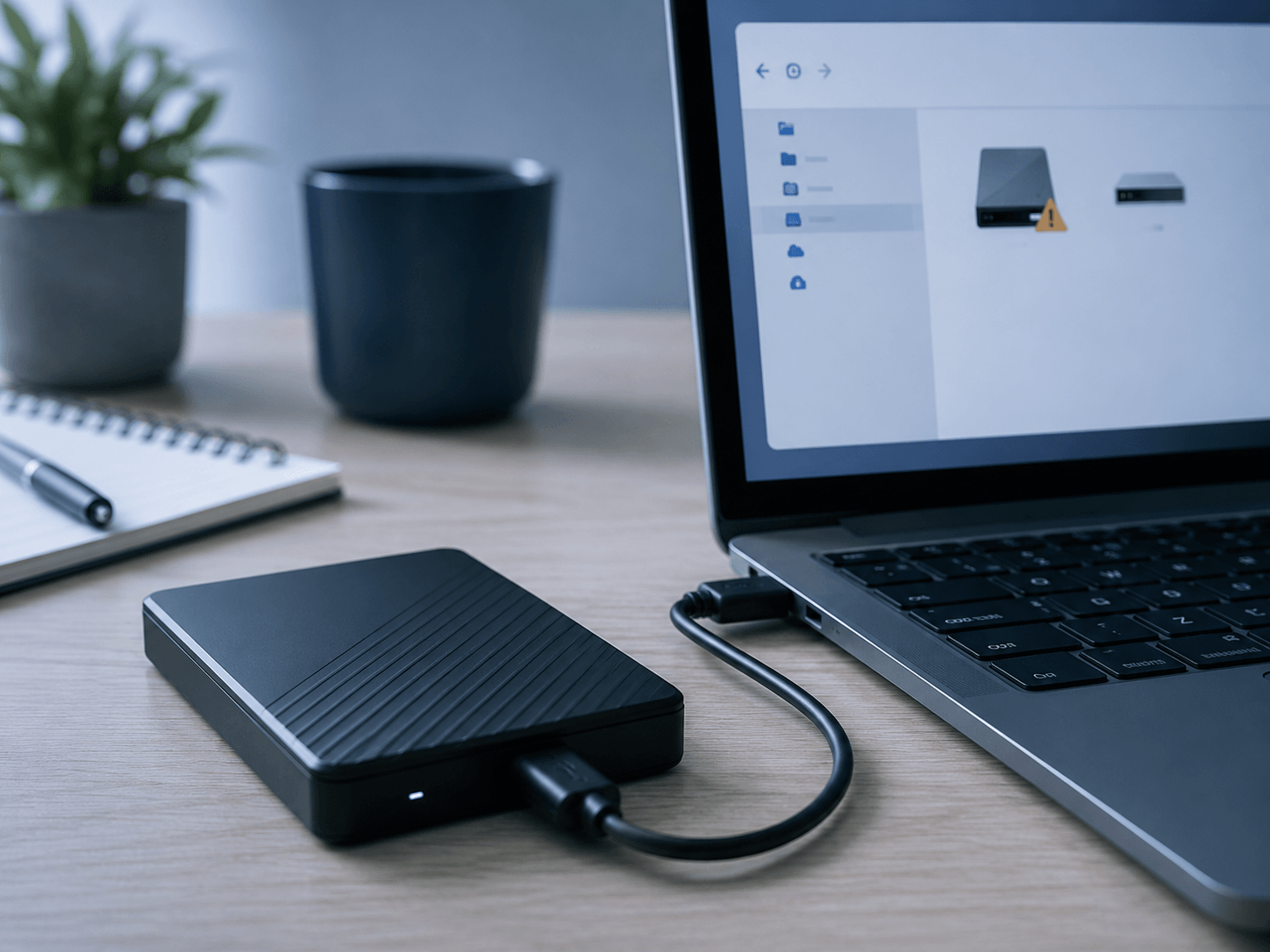
External Hard Drive Not Detected? First Steps To Protect Your Files
If your external hard drive is not showing up, asking to be formatted, clicking, beeping, or disconnecting, the first steps can help protect your files.

If your external hard drive is not showing up, asking to be formatted, clicking, beeping, or disconnecting, the first steps can help protect your files.
Learn why connected drives, NAS backups, cloud sync, and untested backup systems may not be enough.
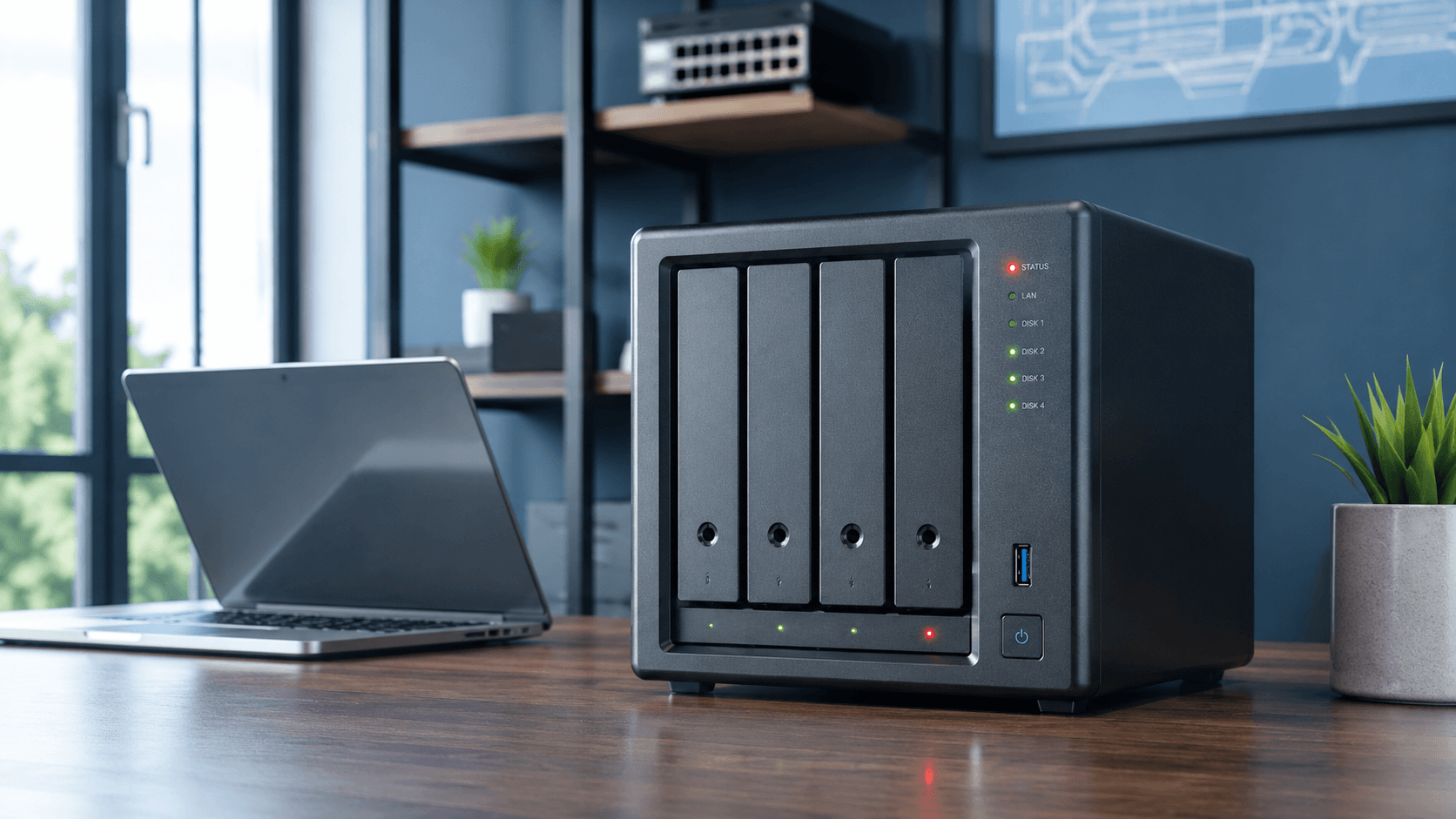
Snapshots can help roll back files, but they may not save your data if the NAS itself fails.
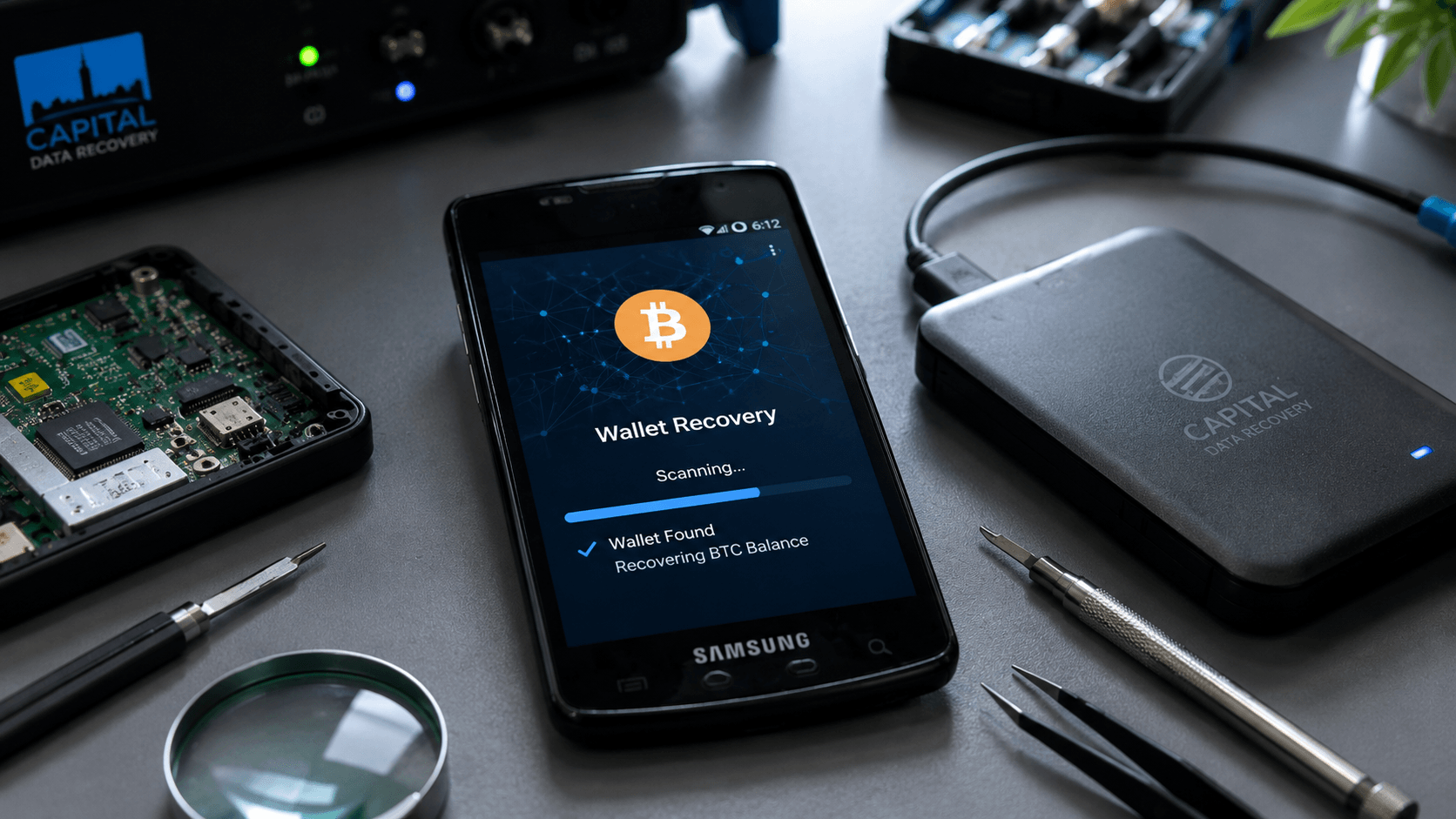
Lost access to a Bitcoin wallet? Recovery may still be possible from Mycelium wallets, old phones, corrupted hard drives, wallet files, or chip-off data extraction cases.
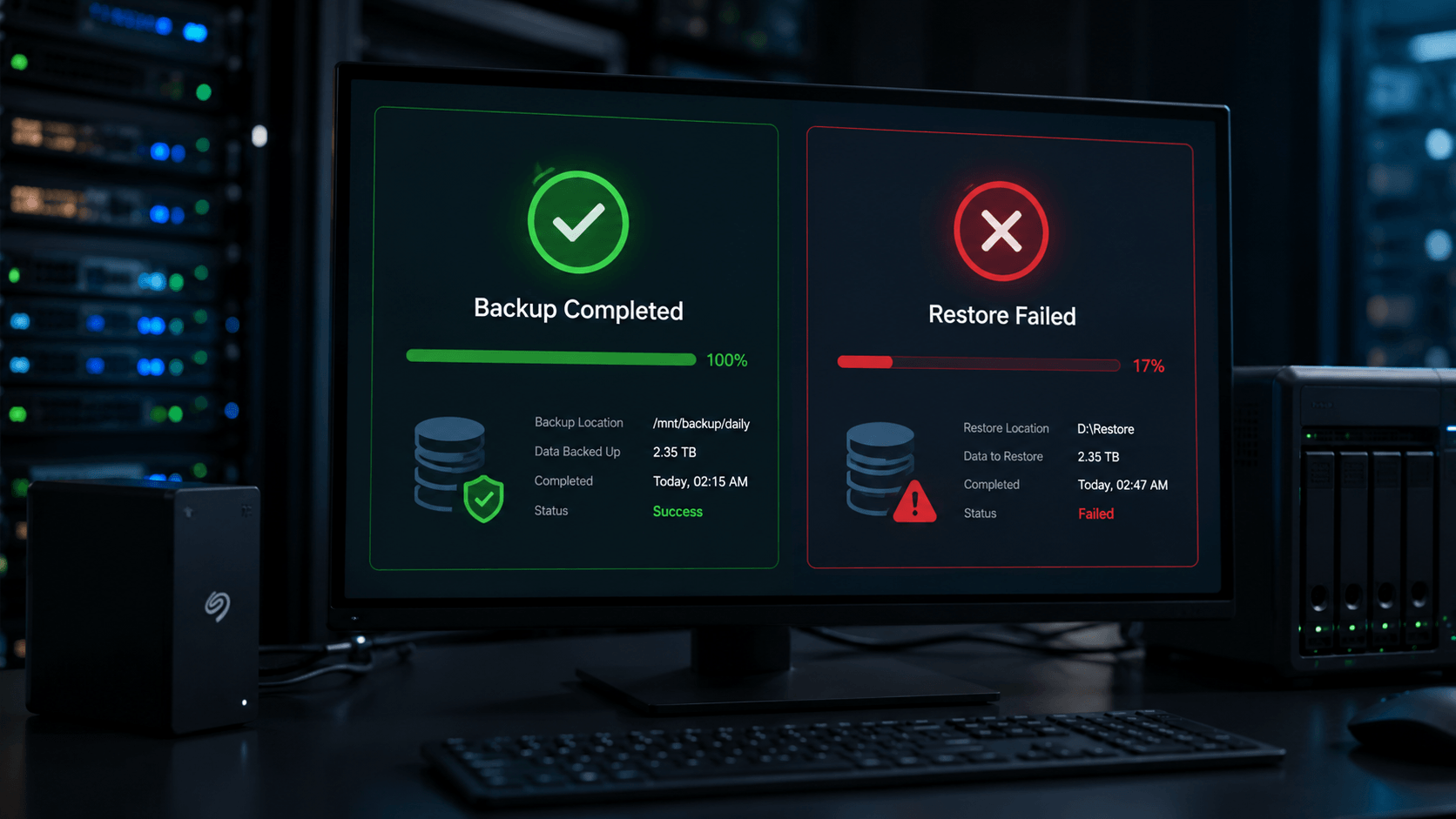
A green checkmark doesn’t always mean your files are safe. Backups must be tested.
Ai data recovery mistakes are turning recoverable hard drives and solid state drives into permanent data loss. Learn what Ai gets wrong, what not to do, and how to protect your data.

Being normal human beings, we are occasionally prone to making serious mistakes, and one of the most undesired ones is losing your data by accidental file or folder deletion.
If you accidentally deleted files on your Windows computer, STOP & follow this procedure.
We live in a world of YouTube and other social networks where professional advice is not always seen first. This, unfortunately, leads to several unsuccessful attempts before all options are exhausted, and the client seeks professional help from a data recovery company.
If you are a Windows user, you are most likely using Windows 10 on your laptop or a desktop computer.
Windows 11 is already here, so the procedure below applies to Windows 11 as well.
Windows 10 is programmed to automatically de-fragment disk space to organize your data, which in return speeds up the overall performance of your computer by optimizing where data on your hard drive or a solid-state drive is located. This also helps to prolong the lifespan of your storage media.
Usually, by default, Windows 10 or Windows 11 would have the de-fragmentation enabled as a scheduled service at the time of the initial setup, so it is being executed once a week without users’ intervention.
All are great; however, not in a situation when an accidental data deletion has occurred.
If you accidentally deleted files and lost data, we strongly recommend turning off your computer and seeking professional help; however, we understand that living in the era of YouTube many try finding help online first. A phone call to a professional data recovery company might be a good starting point just to gather some of that useful information that may come helpful and prevent possible further data loss.
Unfortunately, sometimes we get projects where clients seek our help only after trying all possible methods, including YouTube, friends, IT guy, etc.
By immediately turning off the defragmentation service on your Windows 10 computer, you would ensure that your lost data can still be recovered by a professional data recovery company.
1) Go to the Start menu and type “de-fragment”. You will see an icon of the application called “De-fragment and Optimize Drives”.
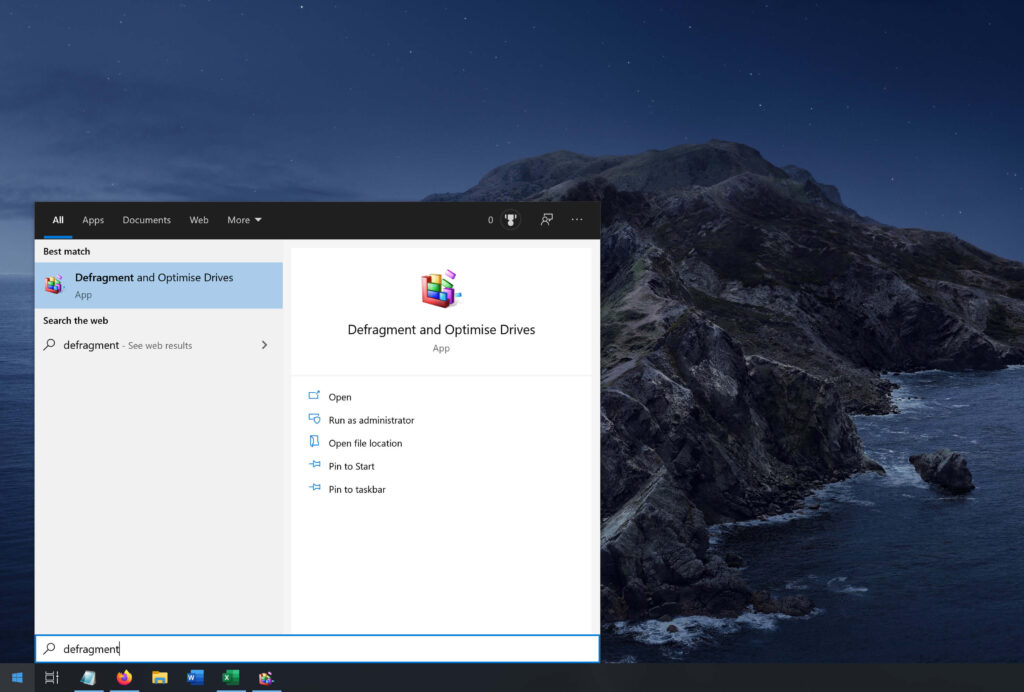
Click that icon to launch the De-fragmentation application.
2) Once the application is open, navigate to the button that is called “Change settings”. Click on it to open another window.
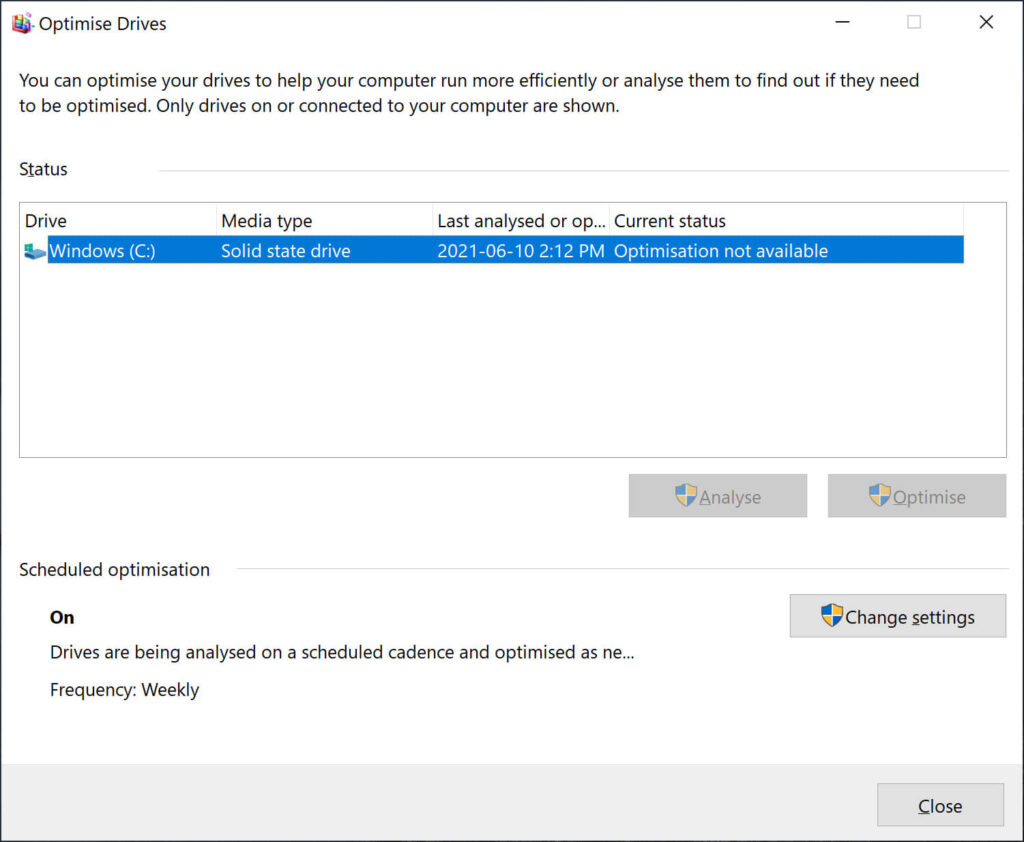
3) Find the “Run on a schedule” line and uncheck to the left of it.
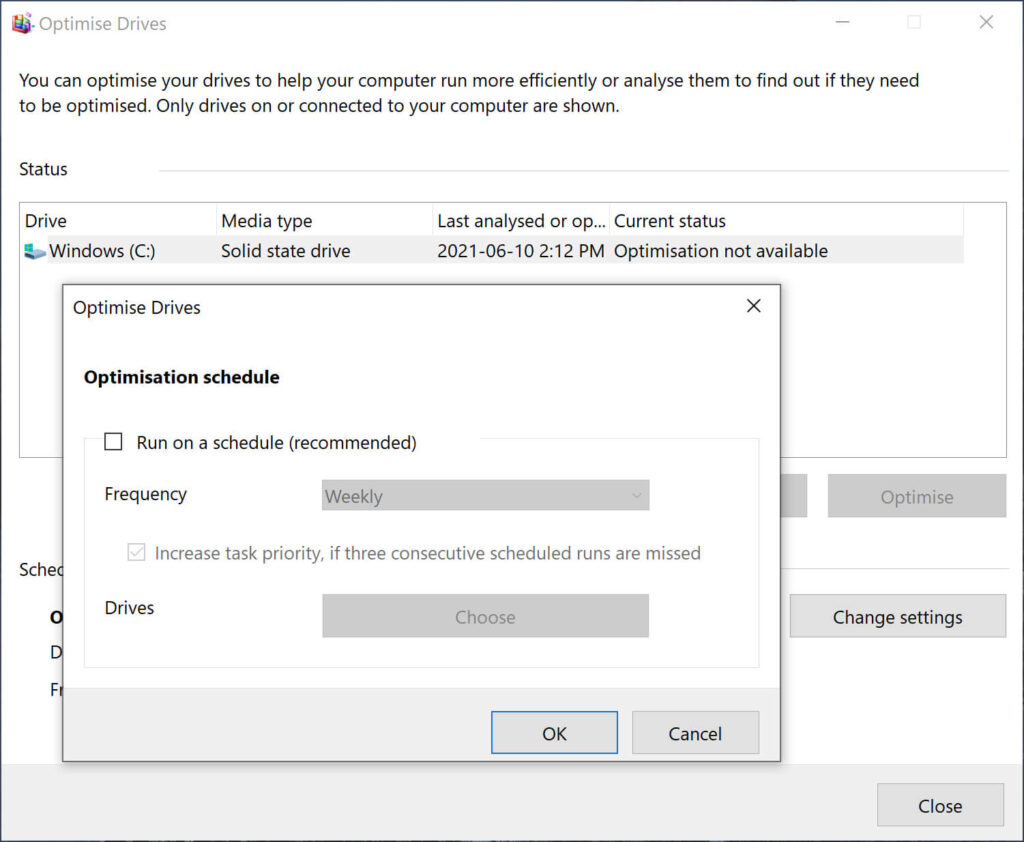
4) Click “OK”.
Ensure that “Scheduled optimization” shows “Off”.
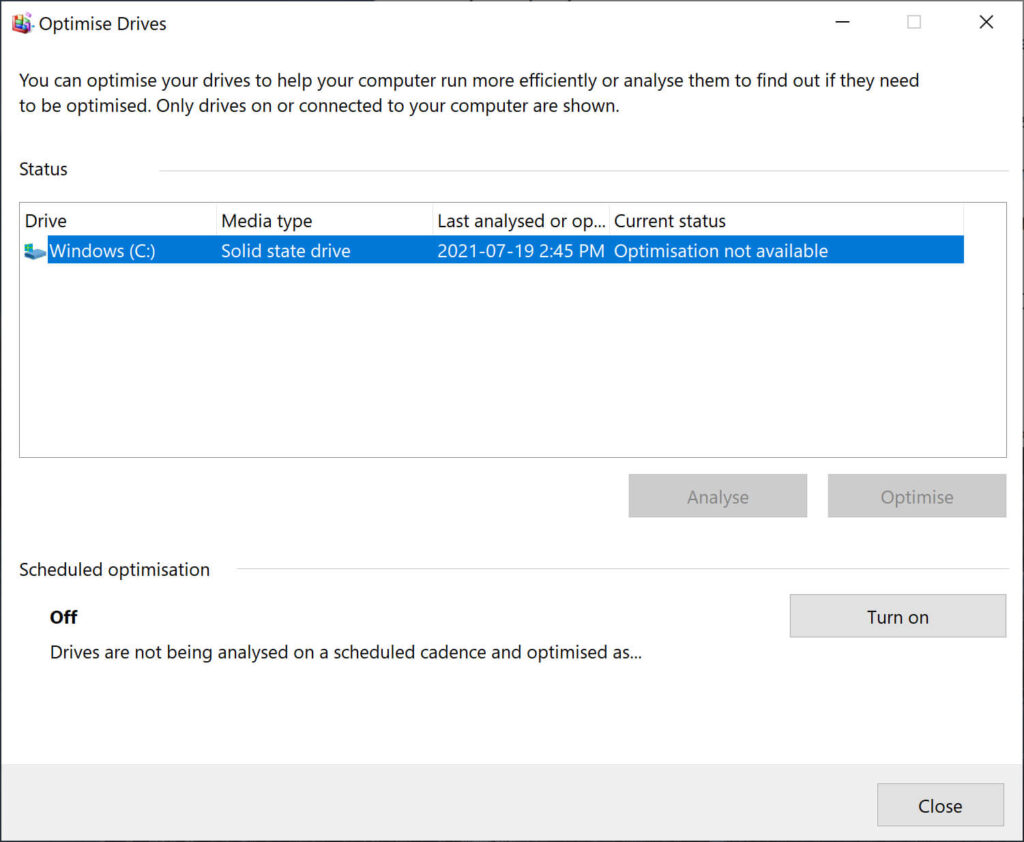
Congratulations, you have successfully turned off storage defragmentation.
At this point, we strongly recommend seeking professional help if your data is important. You may also wish to share this with your friends and family just to keep them informed in case this ever happens to them. They will definitely thank you for that.
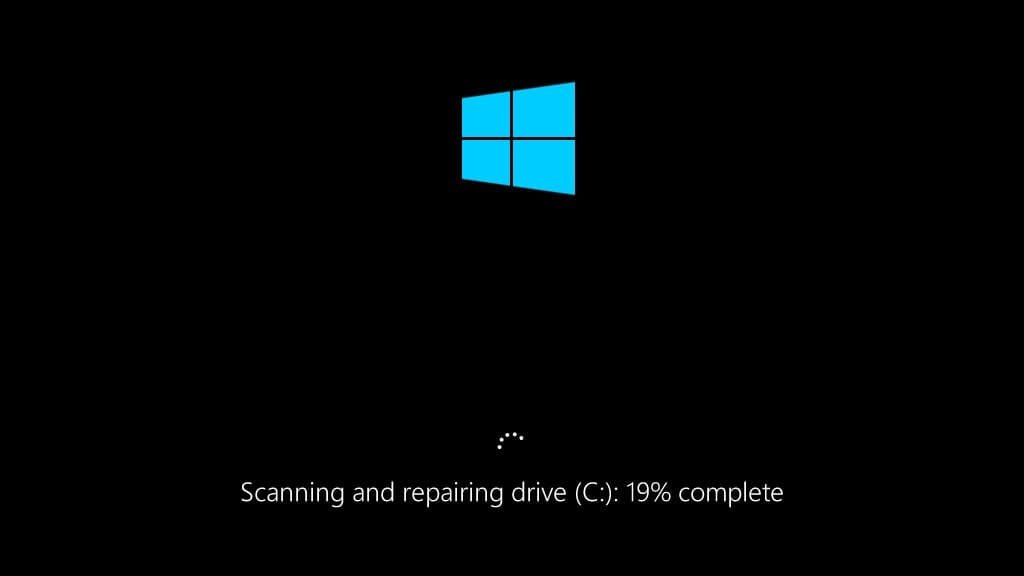
It is very important to note that chkdsk was designed to work with healthy hard drives only, and its primarily function was to fix bad sectors or other logical system errors only. If you have an older computer where your system is sluggish, freezing or out of space, please backup your data before executing a chkdsk command.
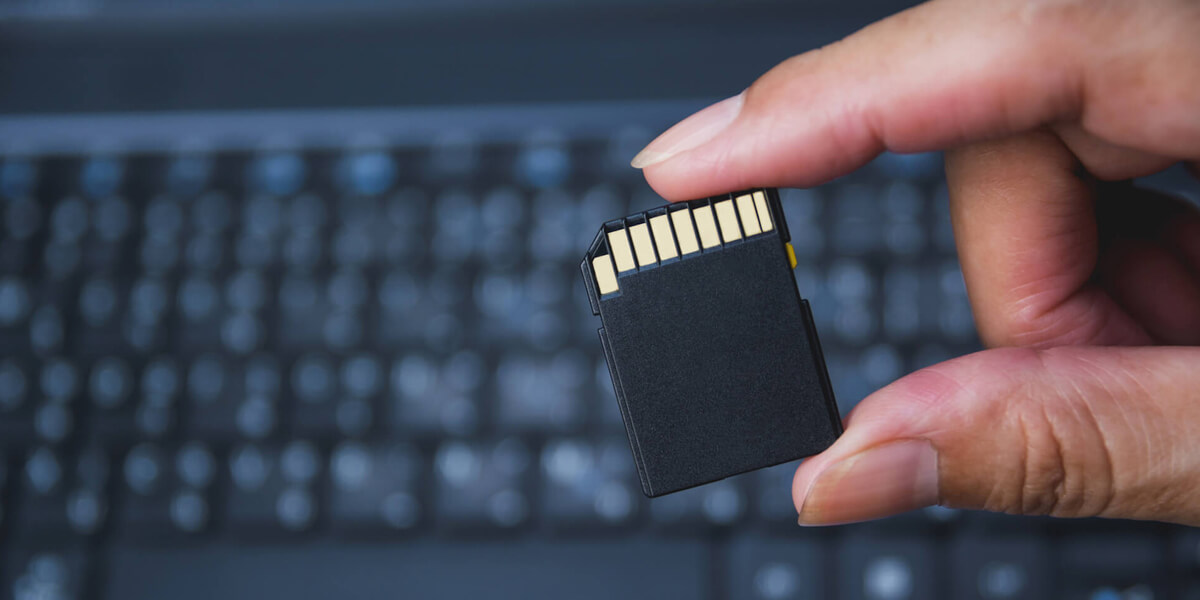
Flash media devices can sustain only a limited number of write and erase cycles before failure. Mid-range flash media under normal conditions will support several hundred thousand to several million cycles, although write operations will gradually slow as the device ages.