
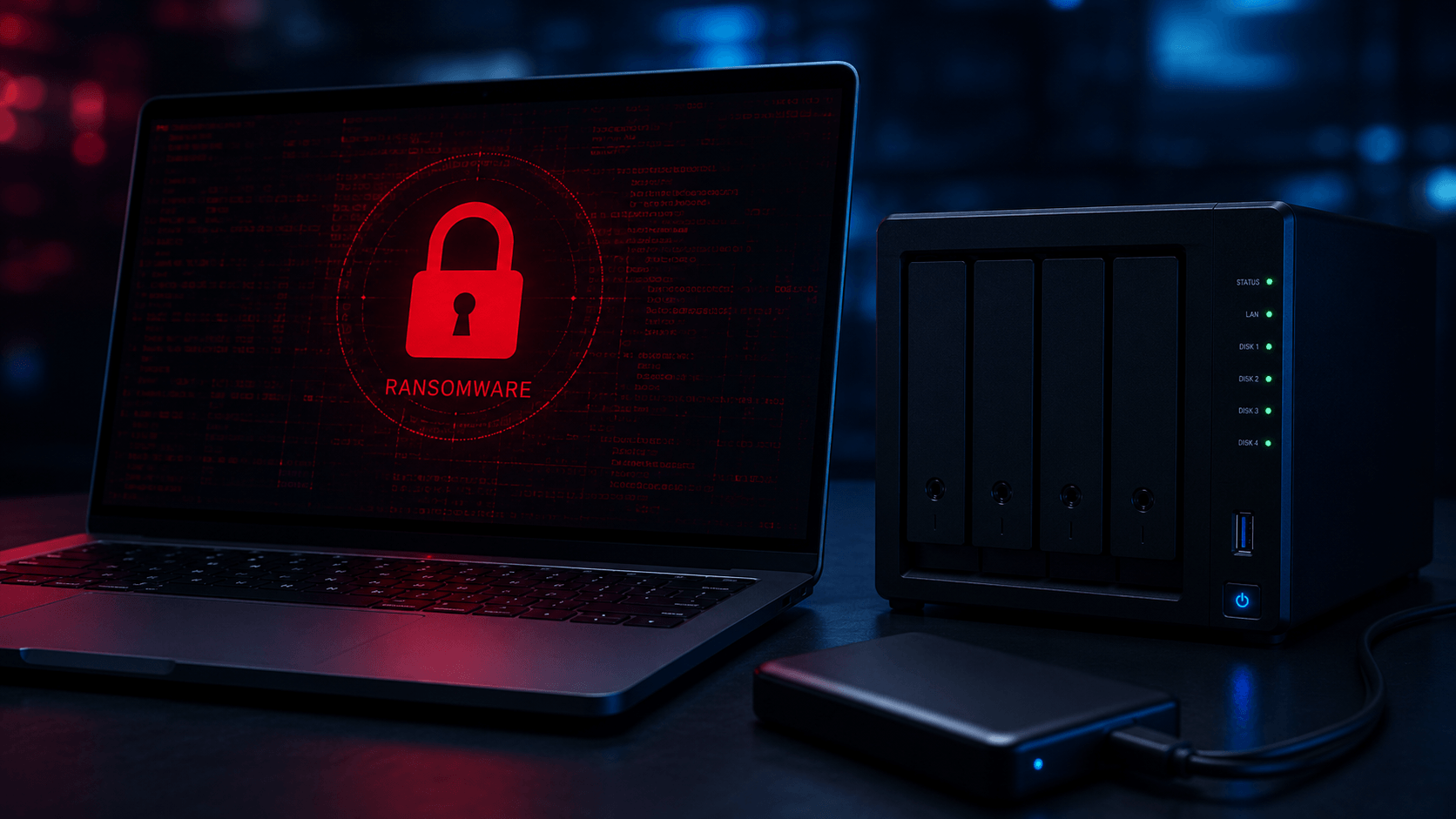
Ransomware and Backups: Why One Backup Copy Is Not Enough
Ransomware and Backups: Why One Backup Copy Is Not Enough
Whether you are protecting family photos or business records, one backup copy is rarely enough.
A backup can make the difference between a stressful data-loss incident and a full recovery. But a backup only helps if it survives the same event that damaged the original files.
That is where ransomware creates a serious problem.
Ransomware does not always stop at locking the files on one computer. In many cases, it can also affect connected external drives, shared folders, NAS devices, mapped network drives, cloud-synced folders, and backup locations that are reachable from the infected system.
The lesson is simple:
A backup is strongest when ransomware cannot change it.
A connected backup can still be affected
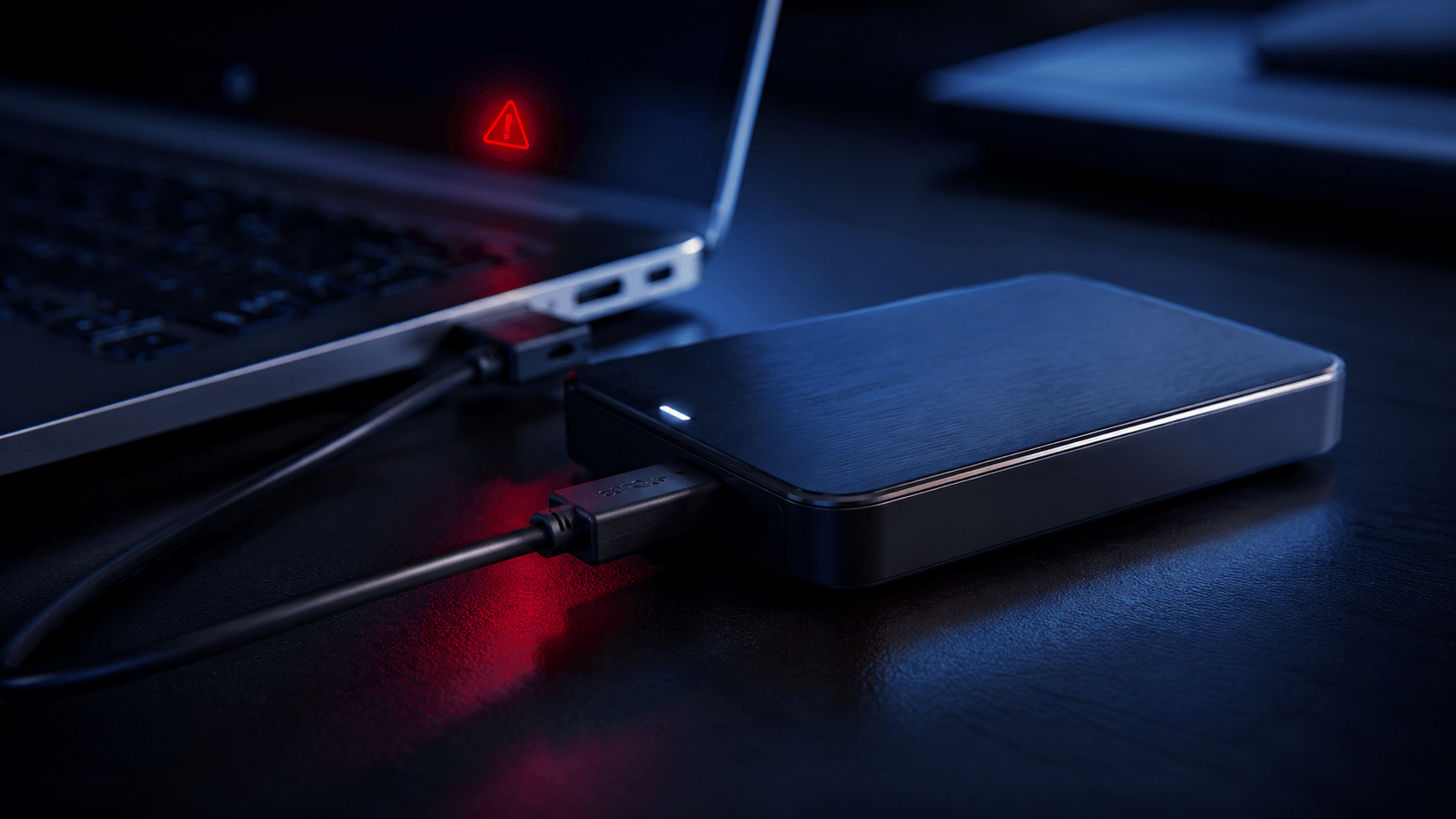
Many people keep a backup drive plugged in all the time. That feels convenient. The backup runs automatically, the drive is always available, and there is no need to remember anything.
The problem is that “always available” can also mean “available to the wrong process.”
If ransomware reaches a computer, it may also reach anything that computer can access. That can include:
- External USB backup drives
- NAS shared folders
- Mapped network drives
- Backup repositories
- Cloud sync folders
- Shared office folders
- Windows shadow copies and restore points
- Older backup sets stored online or on the same network
This does not mean every connected backup will be destroyed. Different attacks behave differently. Permissions, backup software, file structure, user access, security tools, and backup settings all matter.
But the risk is real enough that one connected backup should not be your only recovery option.
Cloud sync is not the same as protected backup
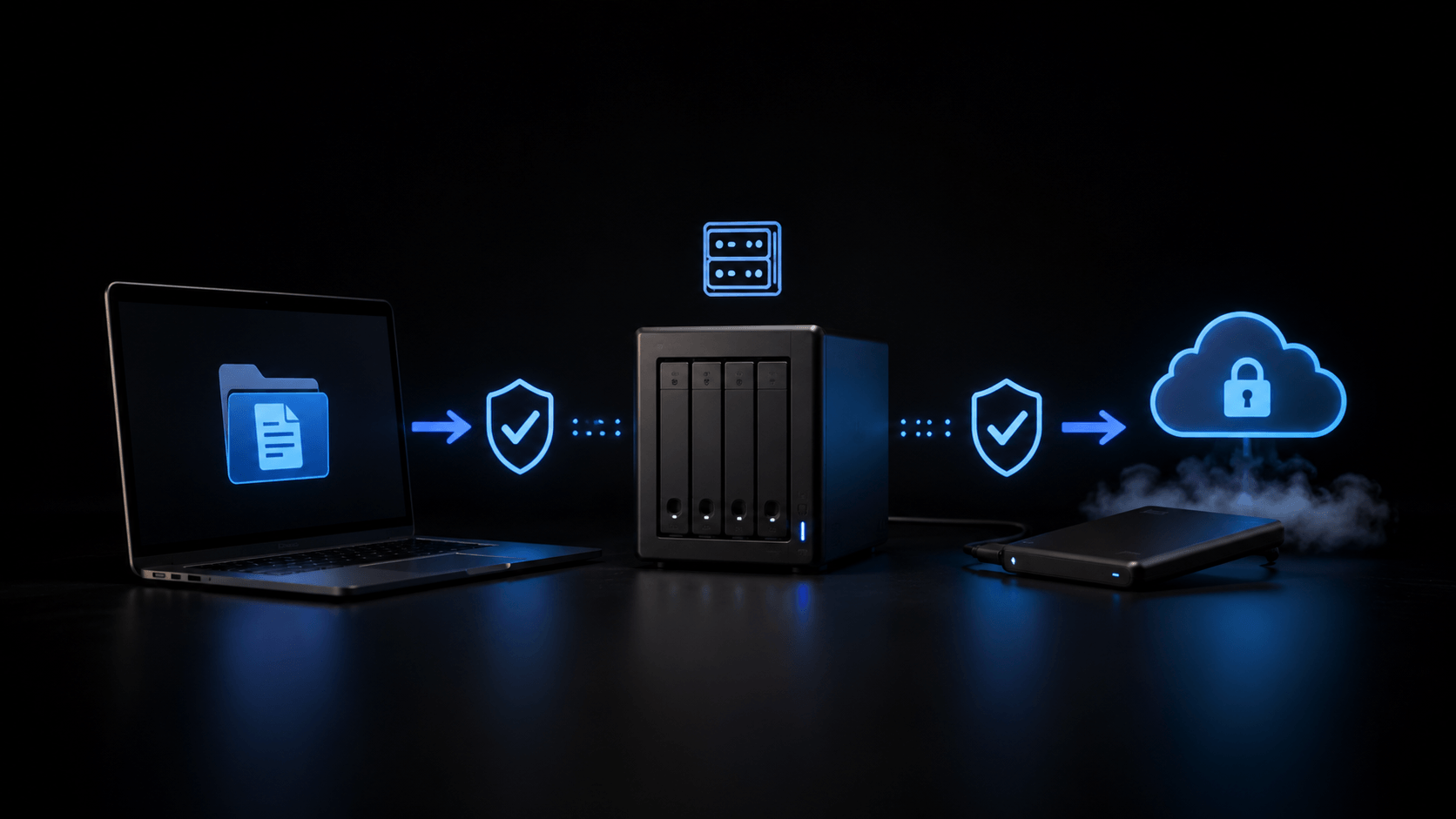
Cloud sync is useful. Services like OneDrive, Google Drive, Dropbox, iCloud, and other sync tools can help keep files available across devices.
But sync is not the same thing as a proper backup.
If files are deleted, renamed, corrupted, or encrypted on one device, those changes may sync to the cloud and then to other devices. Some cloud services offer version history or file recovery windows, which can help, but those options depend on the service, account type, settings, and timing.
The danger is assuming that “my files are in the cloud” automatically means “my files are safe from ransomware.”
That is not always true.
A better question is:
Can I recover a clean version of the files from before the damage happened?
If the answer is unclear, the backup plan needs work.
Two is one, one is none
It means that one backup copy is better than nothing, but it still leaves you with a single point of failure. If that one backup is damaged, encrypted, overwritten, stolen, corrupted, or simply not working, you may have no real fallback.
For important data, the goal should be more than “I have a backup.”
The goal should be:
I have a clean, recoverable copy that the original problem cannot easily reach.
That usually means using more than one layer.
A stronger backup approach may include:
- One local backup for fast recovery
- One offline or disconnected backup
- One offsite or cloud backup with version history
- Backup software that keeps older restore points
- Limited access to backup locations
- Regular restore testing
You do not need an enterprise system to improve your protection. Even home users can reduce risk by keeping one backup disconnected when not in use and maintaining a second copy somewhere separate.
What a safer backup setup looks like
A practical backup setup should protect against more than one type of failure.
For example, an external drive can help after accidental deletion or a computer crash. But if it is always connected, it may not be enough after ransomware.
A NAS can be excellent for shared storage and local backups. But if the NAS is on the same network and accessible with the same user credentials, it may also be exposed.
A cloud backup can help if local devices fail. But if it only syncs current files and has limited version history, it may not protect older clean versions long enough.
A better setup separates backup copies by location, access, and timing.
That means:
- Different locations: not all copies in the same place
- Different access: not all copies reachable from the same computer
- Different timing: older clean versions available when needed
- Different media: not relying on one drive or one service
The goal is not just backup.
The goal is clean recovery.
Warning signs your backup may not be enough
You may need to review your backup setup if:
- Your only backup drive is always plugged in
- Your NAS is your only backup destination
- Your backup folder is mapped as a normal drive
- Your cloud service only syncs live files
- You have never restored test files
- You do not know how far back your backup history goes
- Your backup uses the same password as your main computer
- Your backup software shows warnings or incomplete jobs
- You only have one copy of important files
- You would not know what to do if today’s files were encrypted
These are not reasons to panic. They are reasons to improve the recovery plan before something happens.
What to do if ransomware has already affected your files
If you believe ransomware has encrypted your files, stop and slow down.
Do not immediately format drives, reinstall Windows, delete encrypted files, reset the NAS, or overwrite backup drives. Those steps can reduce recovery options and may destroy useful evidence about what happened.
Instead:
- Disconnect affected systems from the network.
- Turn off Wi-Fi or unplug network cables if needed.
- Do not connect additional backup drives to the infected system.
- Preserve the original drives and affected storage devices.
- Write down ransom note names, file extensions, dates, and symptoms.
- Check whether clean backups exist before restoring anything.
- Get professional guidance before making major changes.
In some cases, recovery may come from clean backups. In other cases, recovery may involve failed drives, damaged NAS systems, partial backups, external drives, or storage devices that need proper assessment.
When to call Capital Data Recovery
Capital Data Recovery helps clients with data loss involving failed drives, external backup drives, RAID and NAS systems, ransomware-related storage issues, damaged backups, and inaccessible files.
If your files are encrypted, your backup drive is unreadable, your NAS is affected, or your only backup will not restore, do not keep experimenting on the original storage.
The first steps after ransomware or backup failure matter.
A careful assessment can help determine what data may still be recoverable, what should not be touched, and which recovery path is safest.
Bottom line
A backup can help after ransomware, but only if it is protected from the same problem.
A connected backup can still be changed, deleted, or encrypted. Cloud sync is useful, but it is not the same as protected backup. One backup copy is better than none, but one copy is still fragile.
Two is one, one is none.
Protect your files with more than one recovery option, test your backups, and keep at least one clean copy away from the systems you use every day.