
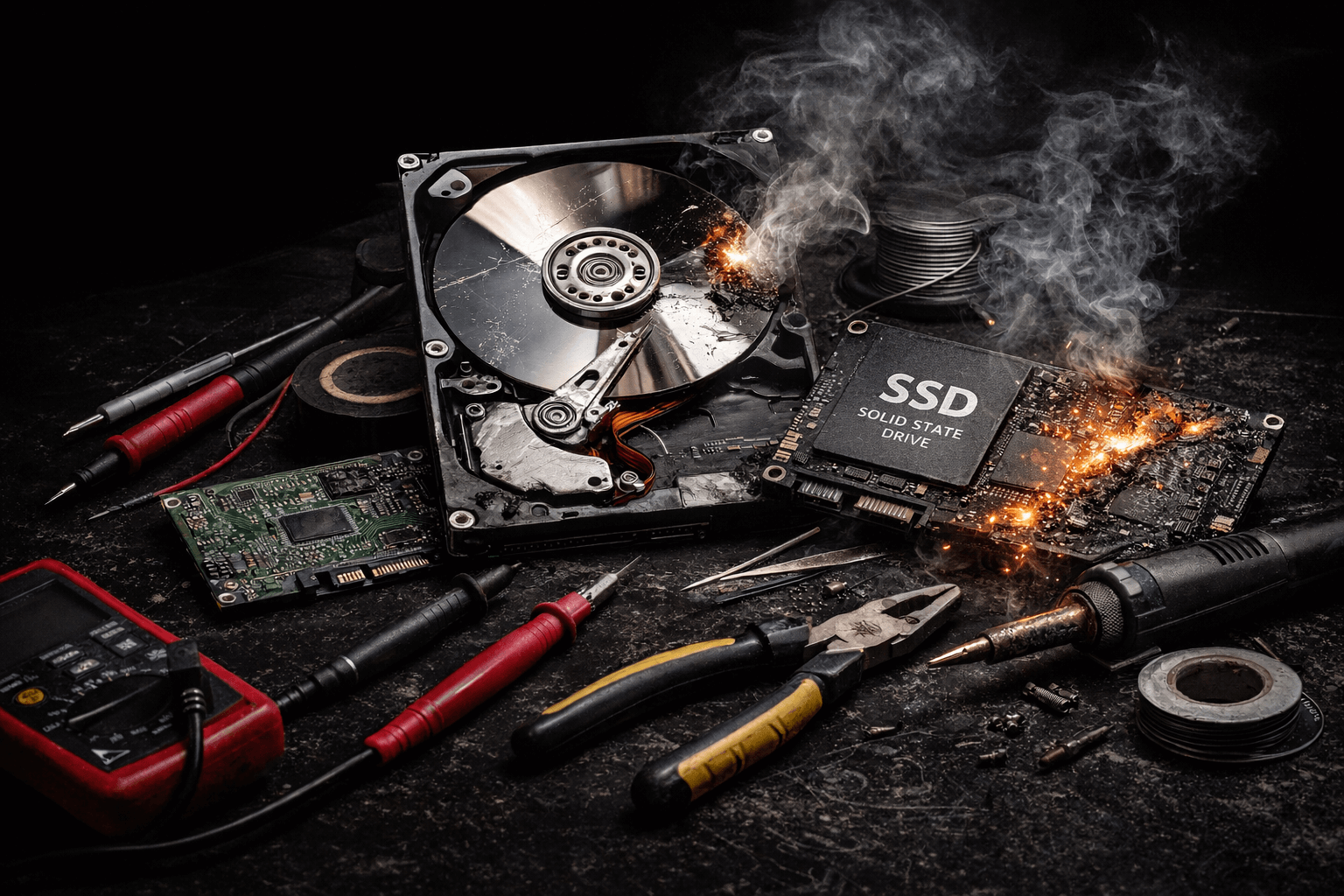
AI Data Recovery Mistakes
AI Data Recovery Mistakes: How Generic AI Advice Turns Recoverable Drives Into Permanent Data Loss
Recently, we have seen a growing number of clients walk into our data recovery lab saying, “I’m here because of AI...”
AI tools are excellent at summarizing information and offering general troubleshooting steps. They are not equipped to diagnose failing storage media. Yet we are seeing a sharp rise in cases where well-intentioned AI advice turns recoverable data loss into irreversible destruction.
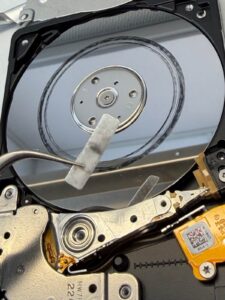
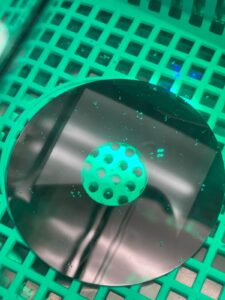
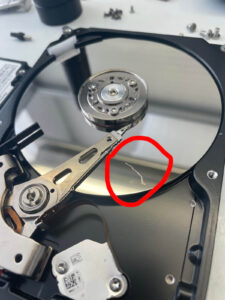
This is not a problem with AI as a technology. The problem is misapplying generic advice to hardware failures that are device-specific, state-dependent, and time-sensitive.
Once certain actions are taken on failing media, professional recovery may no longer be possible.
Why AI Fails at Data Recovery Diagnostics
AI systems cannot see:
- Your controller model, firmware state, or translator integrity
- NAND wear levels on SSDs
- Head condition, platter damage, or media degradation on HDDs
- Encryption layers or RAID metadata health
- Electrical stability or voltage tolerance
Data recovery is forensic diagnostics without the chain of custody, not generic troubleshooting. The same action can be harmless on a healthy drive and catastrophic on a failing one.
This is why professional data recovery vs DIY is not a fair comparison. One is controlled forensic handling. The other is blind intervention.
The Most Common AI Data Recovery Mistakes We See
These are the actions most often suggested online or by AI tools that permanently reduce recovery success:
- Running file-system repair tools (CHKDSK, fsck, disk repair utilities) on unstable media
- Installing recovery software that performs writes or background retries
- Power-cycling failing SSDs until NAND blocks are exhausted
- Attempting firmware updates or “fixes” without controller-specific tooling
- Heating, freezing, or “baking” drives
- DIY PCB swaps without ROM or adaptive data transfer
- Repeated scanning attempts that degrade marginal sectors
Each of these can:
- Overwrite recoverable sectors
- Destroy firmware translators
- Corrupt encryption metadata
- Permanently damage NAND cells
- Push degraded components past recoverable thresholds
This is how AI data recovery mistakes turn recoverable cases into permanent loss.
Why Early Professional Handling Changes Outcomes
Professional recovery workflows prioritize:
- Write-blocked access
- Non-destructive diagnostics
- Controlled power-on cycles
- Firmware imaging before interaction
- Hardware-level error handling
- Sector-level acquisition with adaptive retry logic
DIY steps, even when suggested with good intent, bypass these safeguards. Once firmware areas, translators, or NAND management tables are damaged, there is often nothing left to reconstruct.
This is why don’t use AI to fix hard drive is not alarmism. It is practical risk management.
What To Do Instead (The Safe First 5 Minutes)
If data matters:
- Power the device off immediately
- Do not run repair or recovery tools
- Do not open the device
- Do not heat, freeze, or manipulate the media
- Do not perform PCB swaps or firmware writes
- Seek professional diagnosis before any further power-on cycles
Early intervention preserves optionality. Late intervention removes it.
Final Word
AI is powerful at generating explanations. Data recovery requires controlled physical and firmware-level handling of unstable systems. Those are fundamentally different domains.
If your files have real value, treat the device as evidence, not a software problem.
The illustration below is a great example of DIY Data Recovery Attempts vs Success Rate.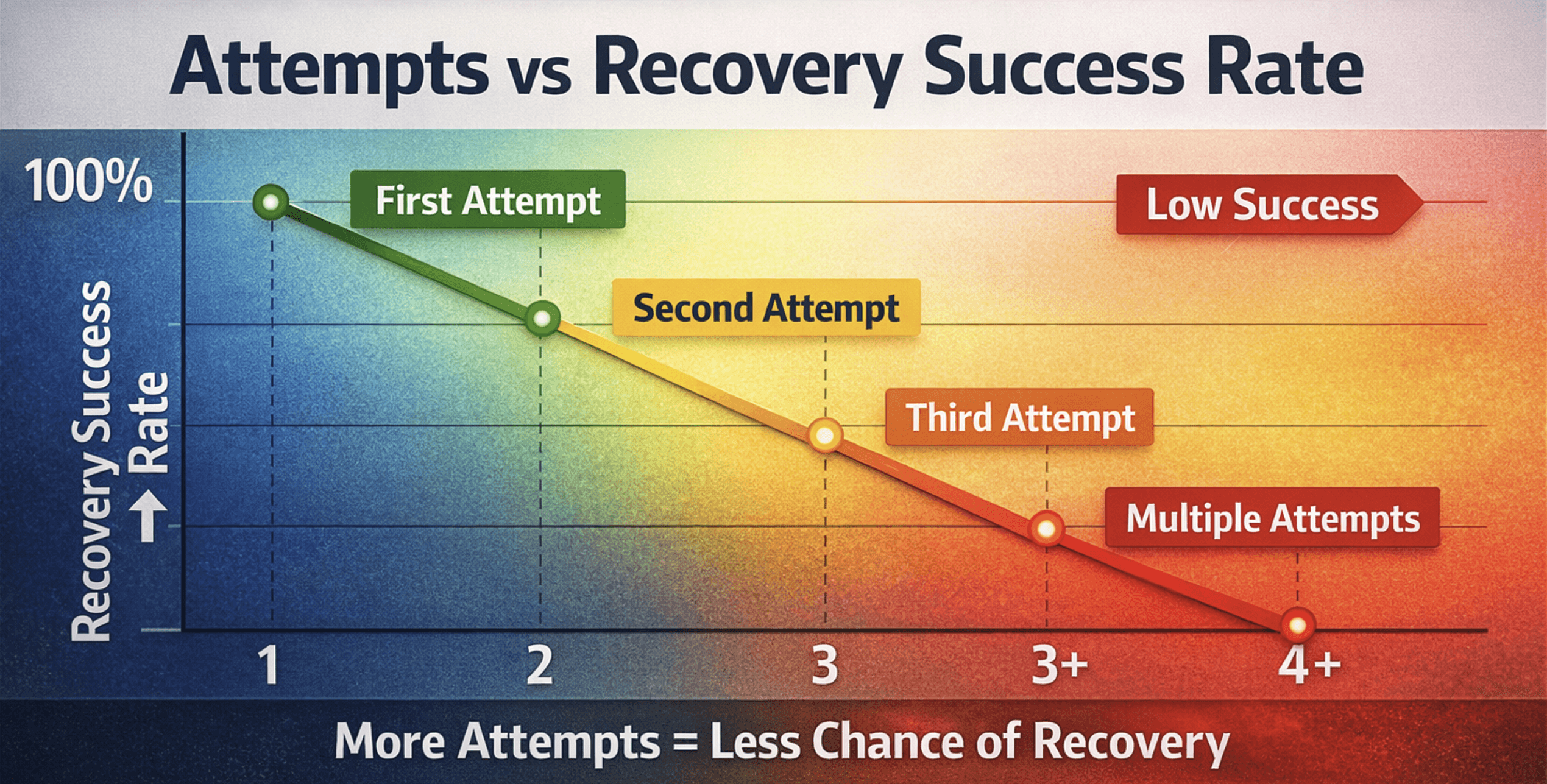
If you require immediate help, contact our tech support at 613-225-7870 or via Contact Us page. For emergency projects we are able to assist immediately.
