
Bitcoin Wallet Recovery: What May Still Be Possible
Bitcoin Wallet Recovery: What May Still Be Possible
Lost access does not always mean lost Bitcoin.
Losing access to a Bitcoin wallet can feel final. A phone stops working, a wallet app crashes, a hard drive becomes corrupted, or an old backup is found but no longer opens properly. In many cases, people assume the Bitcoin is gone for good.
That is not always true.
Bitcoin wallet recovery depends on what still exists. If the wallet data, backup files, private keys, seed phrase, password clues, or original device still exist, there may still be a recovery path.
At Capital Data Recovery, we have worked on crypto-related recovery cases involving Mycelium wallet recovery, old Android phones, corrupted hard drives, partially overwritten media, and even chip-off recovery where wallet data had to be extracted directly from a damaged phone’s eMMC memory chip and migrated to another compatible phone.
Every case is different. Some are recoverable. Some are not. The first step is always to identify what still exists and avoid making the situation worse.
What Bitcoin wallet recovery really means
Bitcoin and crypto wallets do not actually store coins inside a phone or computer the way a normal file is stored. The blockchain records the funds, while the wallet stores or generates the information needed to control them.
That information may include:
- wallet databases
- private keys
- seed phrases
- encrypted wallet backups
- mobile app data
- wallet files
- recovery phrases
- password-protected backups
- wallet configuration data
- device-level storage containing wallet information
If that information still exists somewhere, recovery may still be possible.
If it is completely gone, overwritten, or was never backed up, recovery may not be possible.
That is why the most important question is not simply:
“Can Bitcoin be recovered?”
The better question is:
“What wallet data or recovery information still exists?”
Real Bitcoin wallet recovery situations
Bitcoin wallet recovery is not limited to one type of failure.
Some cases begin with a phone. Others begin with a corrupted drive. Others involve wallet files recovered from damaged media. Some involve migration of wallet data from one device to another.
Examples of real-world scenarios include:
- Mycelium wallet crashed on one phone
- Bitcoin wallet data recovered from a corrupted hard drive
- Partially overwritten media still containing usable wallet data
- Chip-off recovery from a failed phone
- eMMC data extraction to recover wallet-related files
- Wallet data migrated to another identical phone
- Old phone no longer boots but still contains wallet information
- Wallet files recovered from failed hard drives, SSDs, or external drives
- Password-protected wallet files with usable password clues
- Old Bitcoin backups found on damaged or aging storage
These are not “hacker” situations. They are data recovery situations involving lost access to wallet-related data owned by the legal owner.
Mycelium wallet recovery from damaged phones
One important type of case involves Mycelium wallet recovery.
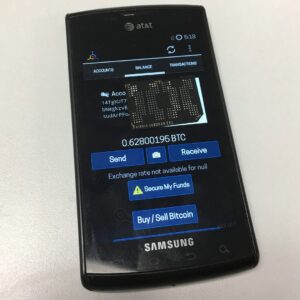
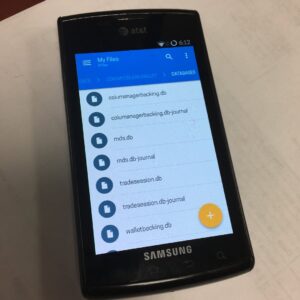
In some situations, the Mycelium wallet itself crashes or the phone storing the wallet becomes unstable or unusable. If the wallet can no longer be opened normally, the goal becomes recovering the wallet data from the device.
We have handled cases where a Mycelium wallet had to be recovered from a failed phone and then migrated to another compatible or identical phone so the legal owner could regain access to the BTC.
In more complex cases, standard access methods are no longer possible. That is where chip-off recovery may become relevant.
Chip-off recovery and eMMC extraction
When a phone is too damaged, unstable, or inaccessible to pull the wallet data normally, recovery may require extraction directly from the device’s memory chip.
This is often referred to as chip-off recovery.
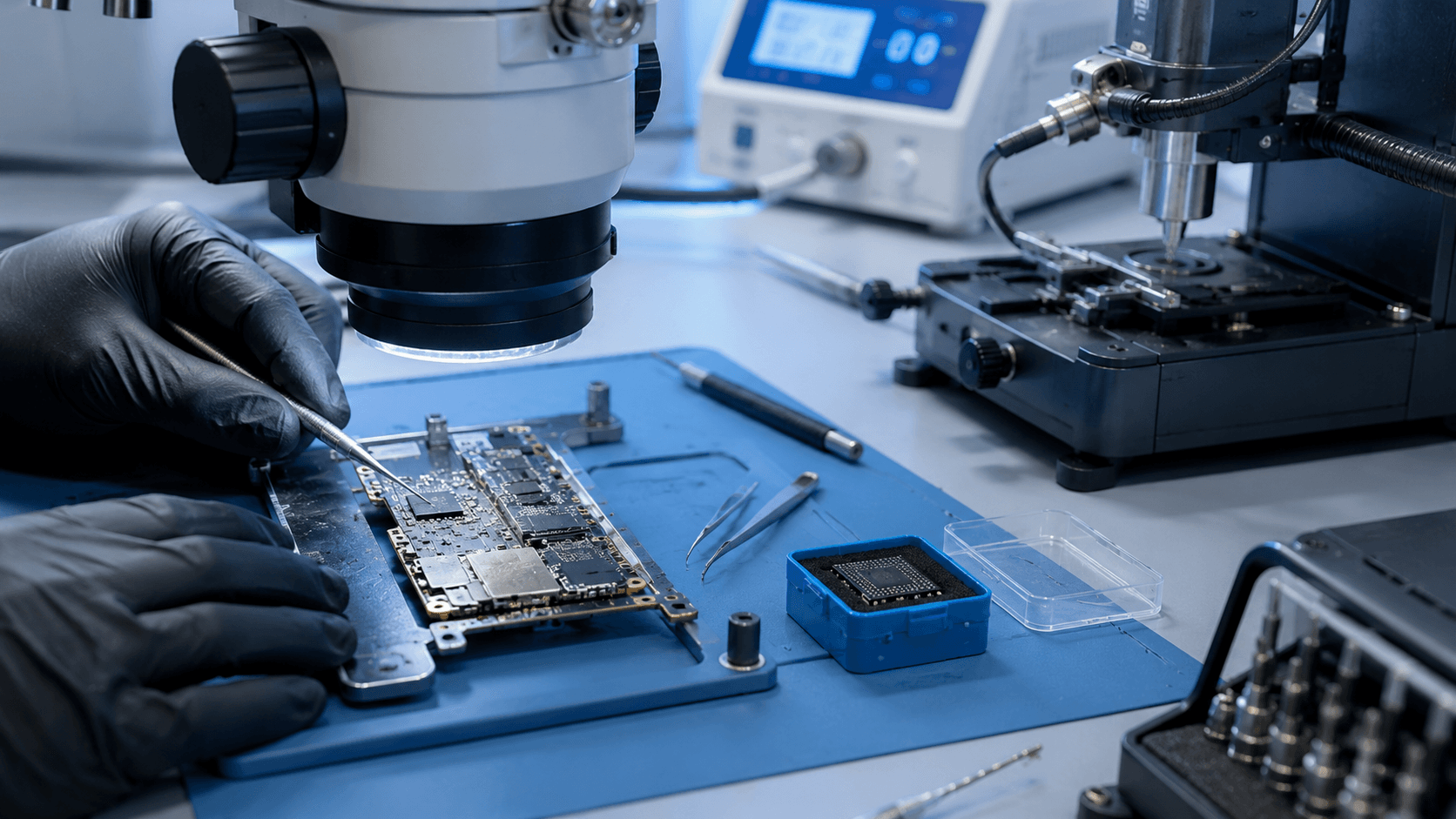
In those cases, the eMMC memory chip is removed and read separately in order to recover the data stored on it. If the wallet databases, backup files, or other key wallet information are successfully extracted, the data may then be analyzed or migrated into a compatible environment for testing.
This type of recovery is specialized and should not be treated as a DIY process.
A failed phone, damaged storage chip, or unstable board can easily become less recoverable if the device is reset, reflashed, factory restored, or repeatedly powered on without a plan.
Bitcoin wallet recovery from corrupted hard drives
Not every Bitcoin wallet recovery case starts with a phone.
We have also recovered Bitcoin wallet data from corrupted hard drives, which helped the legal owner regain access to BTC.
In these situations, the main challenge is often the storage media itself. The drive may have file-system corruption, damaged folders, bad sectors, missing wallet files, or partially readable data. If wallet files, backups, private key material, or related wallet databases still exist on the drive, a professional recovery assessment may be able to locate and extract usable data.
This is why corrupted hard drives should not be repaired aggressively, formatted, or reused before assessment.
A corrupted drive may still contain the wallet data that matters.
Partially overwritten media should not be dismissed too quickly
Another important point is that partially overwritten media is not always a dead end.
If a phone, hard drive, SSD, or other storage device has been partially overwritten, some wallet-related data may still survive depending on what was overwritten and how much damage occurred.
This does not mean every overwritten wallet can be recovered. Many cannot.
But it does mean the device should be assessed before the case is dismissed completely.
When wallet-related media has already been damaged or partially overwritten, every additional write increases the risk of permanent loss.
What not to do
If you believe a Bitcoin or crypto wallet may still exist on a damaged phone, corrupted hard drive, old backup, or failed storage device, avoid making the situation worse.
Do not:
- factory reset the phone
- reinstall the wallet app right away
- format the drive
- overwrite the original storage
- keep trying random recovery tools
- enter recovery phrases into unknown websites
- guess carelessly on the original wallet files
- discard old phones, drives, or backups
- assume a wallet showing zero balance means the BTC is gone
Sometimes a wallet shows no balance because the wrong wallet type, wrong recovery path, missing passphrase, or incomplete migration was used.
What may help recovery
The more original evidence and recovery clues you preserve, the better.
Useful items can include:
- the original phone
- old Android devices
- failed hard drives
- SSDs or external drives
- wallet names
- screenshots
- wallet addresses
- transaction IDs
- old passwords or password clues
- backup folders
- app version information
- email confirmations
- notes containing partial recovery information
In Bitcoin wallet recovery, even small clues can matter.
What cannot usually be recovered
There are important limits.
If Bitcoin was already transferred out and confirmed on the blockchain, data recovery usually cannot reverse that transaction.
If the wallet data, private keys, seed phrase, backups, and original device are all gone, recovery may not be possible.
And if a wallet is strongly encrypted and there are no meaningful password clues, there may be no practical recovery path.
That is why honest assessment matters.
Bottom line
Bitcoin wallet recovery depends on what still exists.
A crashed Mycelium wallet, a damaged phone, a corrupted hard drive, a partially overwritten device, or a chip-off recovery case does not automatically mean the BTC is gone forever, but the wrong next step can make recovery much harder.
If you lost access to a Bitcoin or crypto wallet, preserve the original device and contact Capital Data Recovery before taking the next step.